
Usage Meter
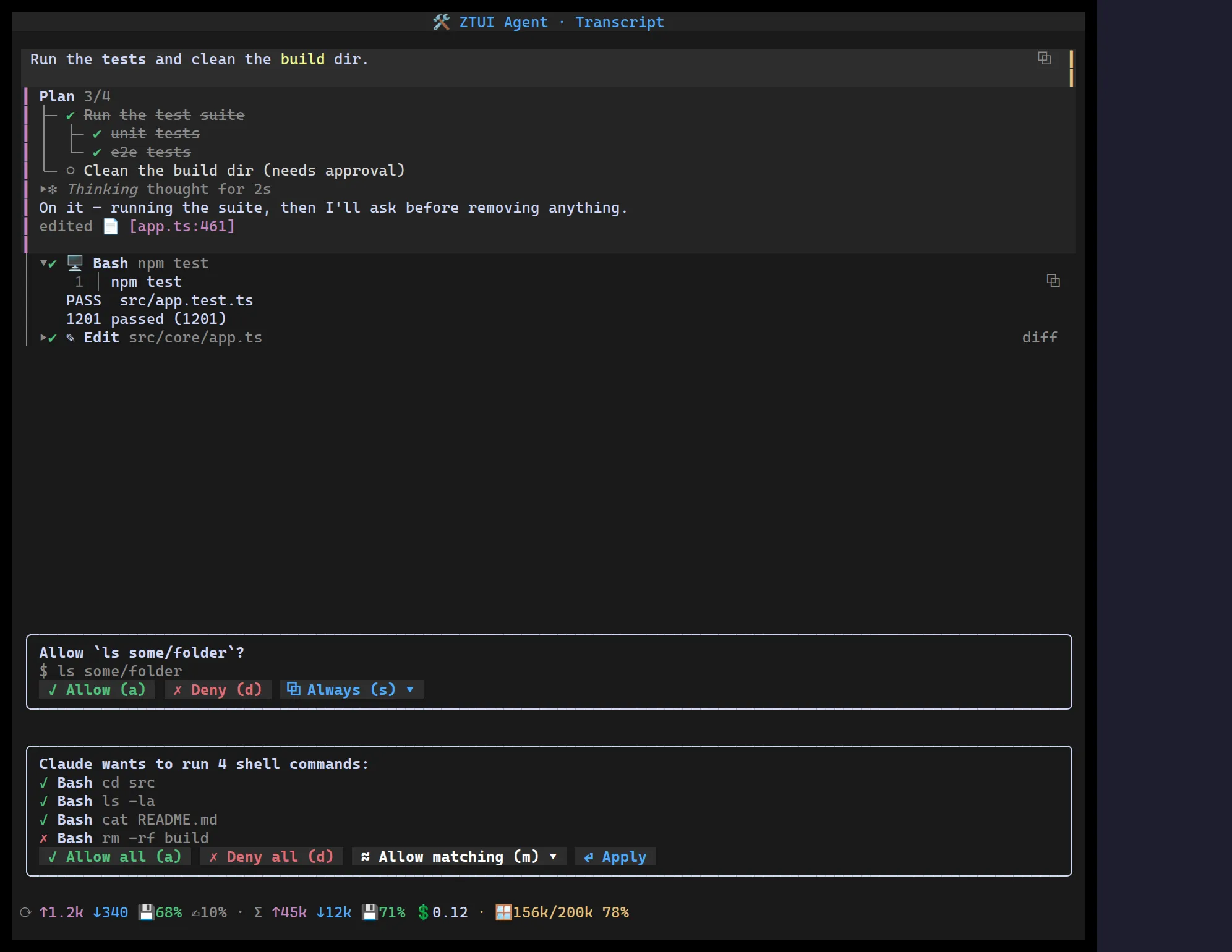
<UsageMeter> surfaces an agent turn’s economics: per-turn and per-session
input (↑) / output (↓) tokens, prompt-cache hit (💾) and creation (✍)
ratios, session cost (💲), and a colour-coded context-window fill bar
(🪟 used/size ████░░ %, green → amber → red as it fills).
Every section is optional — omit a field and it’s hidden, so cost only shows when you can compute it.
import { UsageMeter } from "@huyz0/ztui/react";
<UsageMeter  variant="compact"  turn={{ input: 1234, output: 340, cacheRead: 840, cacheWrite: 120 }}  session={{ input: 45_000, output: 12_000, cacheRead: 32_000 }}  contextSize={200_000}  contextUsed={156_000}  cost={0.12}/>;
Key props
Section titled “Key props”turn/session—TokenUsage{ input, output, cacheRead?, cacheWrite? }for the last turn and the running session.contextSize/contextUsed— drive the context-window bar (shows numbers and percent, e.g.🪟 156k/200k 78%).cost— session cost; hidden when omitted.variant—"full"(three tight rows) or"compact"(one dense line).
Compact mode
Section titled “Compact mode”The compact line is click-to-expand: clicking it (or pressing an optional
expandKey) opens the full meter in a popover, like a context menu — Escape or an
outside click closes it. Set expandable={false} to disable. This keeps the
status line to one row while the full breakdown is a click away.