
Task List & Tree
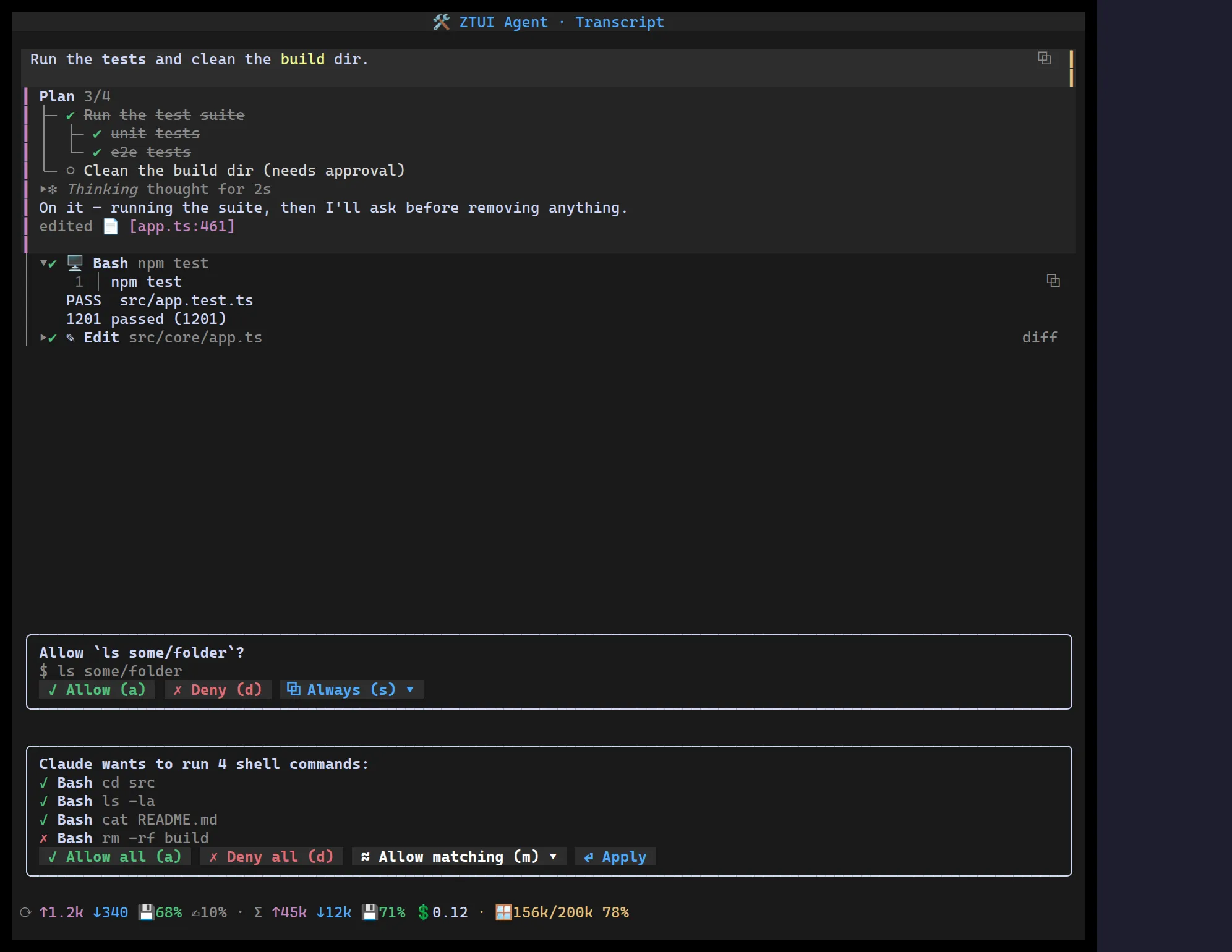
<TodoList> mirrors an agent’s plan as a compact, read-only checklist;
<TaskTree> is its hierarchical sibling for nested plans. Both share the same
status vocabulary — ○ pending, ◐ in-progress (emphasised), ✔ done and ✗
cancelled (struck through) — and an optional title with a live done/total
count. Re-render with new items as work advances.
TodoList
Section titled “TodoList”import { TodoList } from "@huyz0/ztui/react";
<TodoList title="Plan" items={[ { text: "Read the spec", status: "completed" }, { text: "Implement", status: "in_progress" }, { text: "Write tests" }, // defaults to pending ]}/>;A TodoItem is { text, status? }; the title heading appends done/total.
TaskTree
Section titled “TaskTree”For nested plans, give each TaskNode a children array. Sub-tasks render
indented under dimmed ├─/└─ connectors, and the title’s count spans the whole
tree:
import { TaskTree } from "@huyz0/ztui/react";
<TaskTree  title="Plan"  items={[    {      text: "Run the test suite",      status: "in_progress",      children: [        { text: "unit tests", status: "completed" },        { text: "e2e tests" },      ],    },    { text: "Clean the build dir" },  ]}/>;
Plan 1/5├─ ◐ Run the test suite│ ├─ ✔ unit tests│ └─ ○ e2e tests└─ ○ Clean the build dirBoth components are read-only views of plan state — drive them from your agent’s task list and re-render as statuses change.