
Slider
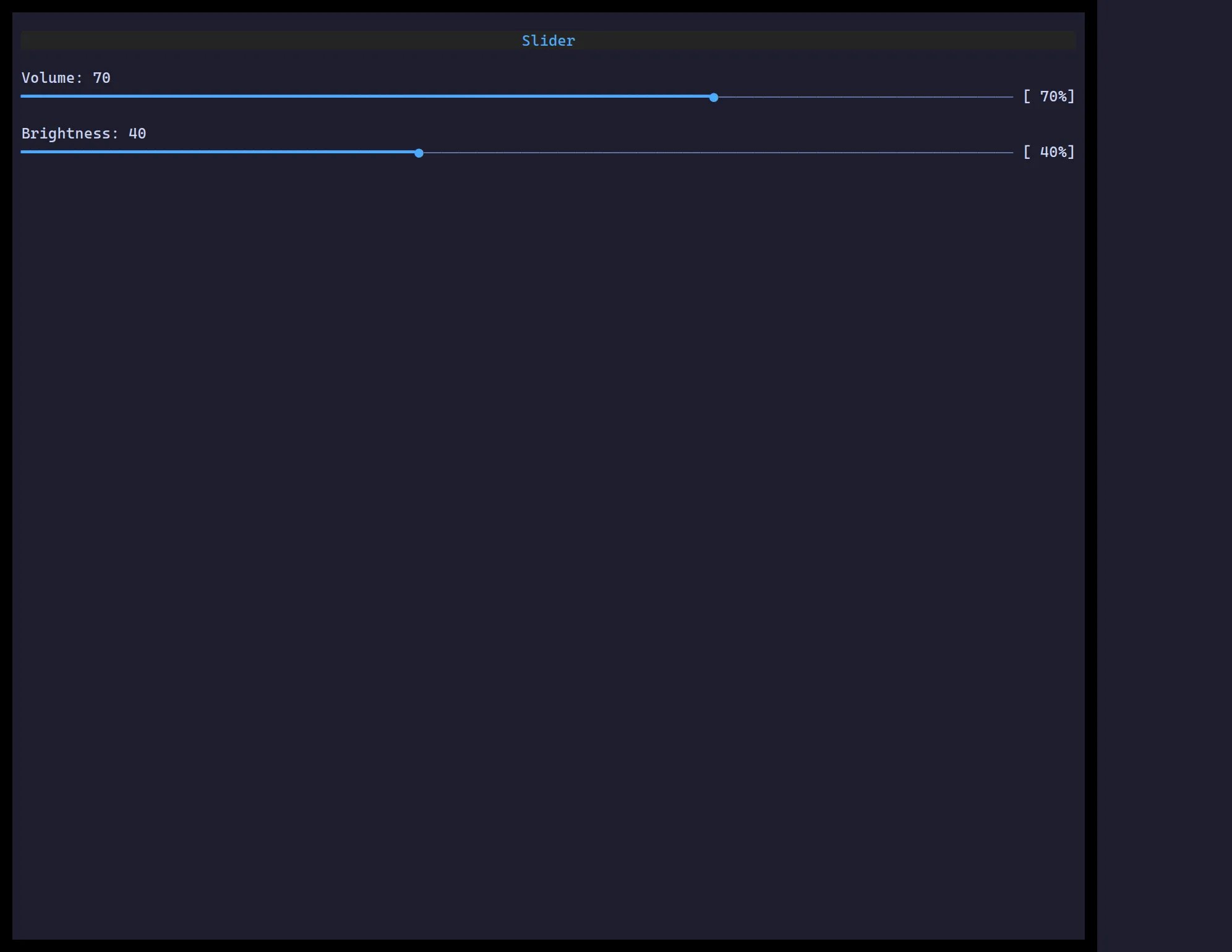
<Slider> picks a number in [min, max] — drag the thumb, click the track, or
use the arrow keys when focused.
import { useState } from "react";import { Slider } from "@huyz0/ztui/react";
function Volume() {  const [v, setV] = useState(70);  return <Slider value={v} min={0} max={100} step={5} onChange={setV} />;}
Key props
Section titled “Key props”value/onChange— controlled number.min/max— range bounds (default 0–100).step— increment for keys/drag (default 1).