
Tool Calls
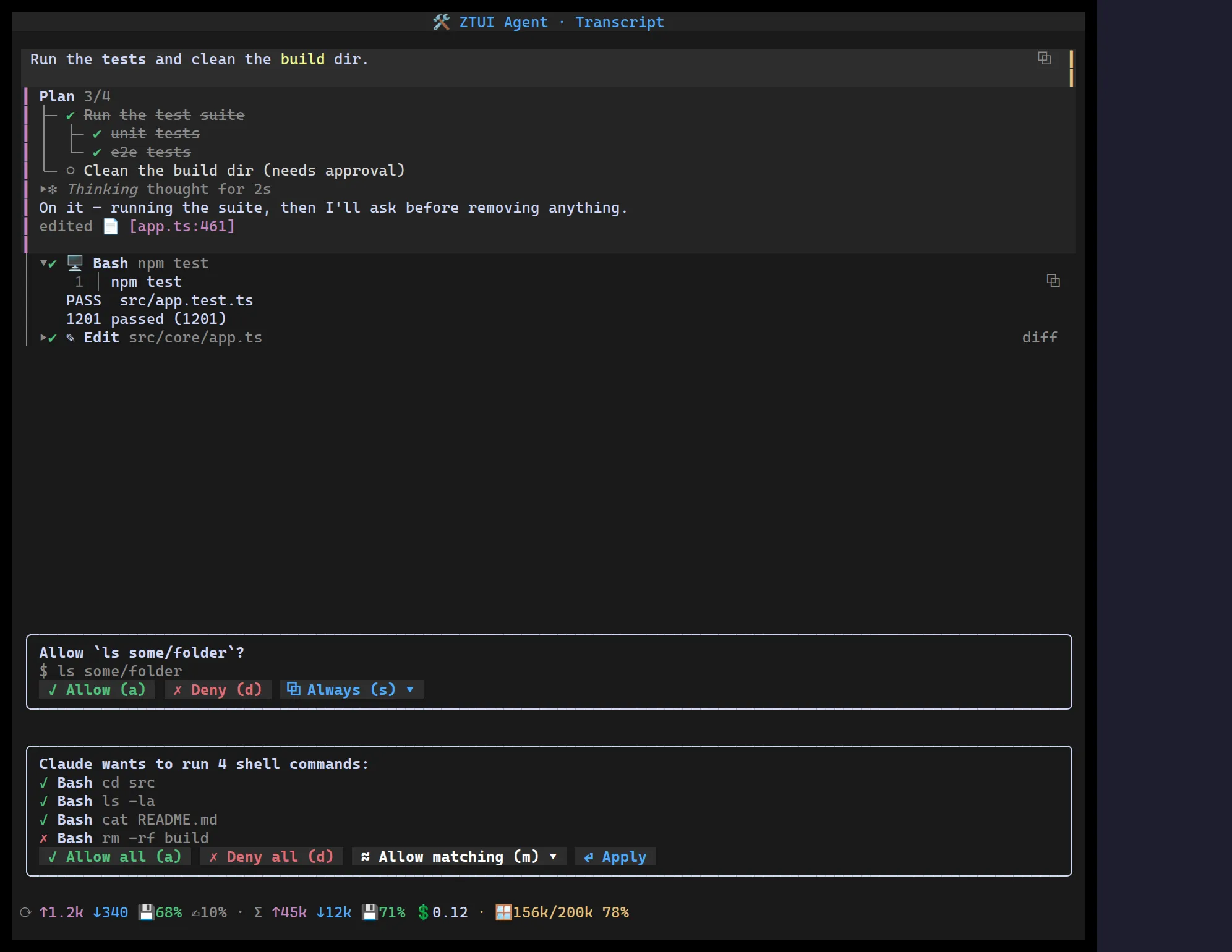
The Agent Kit renders an agent’s tool use two ways: <ToolCall> is a single
collapsible card, and <ToolRender> picks a per-tool renderer from a registry
so each tool draws its request and result its own way (a Bash run as a
highlighted command plus streaming output, an Edit as a diff, and so on).
ToolCall
Section titled “ToolCall”A collapsible card: a disclosure triangle, a status badge (○ pending, ◐
running, ✔ success, ✖ error), an optional icon, the tool name, dimmed args,
and a right-aligned summary while collapsed. The body is revealed when open.
import { ToolCall } from "@huyz0/ztui/react";
<ToolCall name="Bash" args="npm test" status="success" summary="exit 0" icon="🖥️" defaultOpen> <Markdown>…command output…</Markdown></ToolCall>name/args/status/summary/icon— header content.accent— optional one-sided accent bar (as onChatBubble).open+onToggle(controlled) ordefaultOpen(uncontrolled). With no body, the disclosure triangle is omitted.
ToolRender
Section titled “ToolRender”<ToolRender> looks up a renderer by call.name from DEFAULT_TOOL_RENDERERS
and falls back to a plain card otherwise. Spread the defaults to register your
own — the library never hardcodes tool semantics.
import { ToolRender } from "@huyz0/ztui/react";
<ToolRender  defaultOpen  call={{    name: "Bash",    args: "npm test",    status: "success",    data: { command: "npm test", output: ["PASS  app.test.ts"], exitCode: 0 },  }}/>;
Built-in renderers compose existing widgets:
bashToolRenderer— a highlightedSyntaxcommand plus a streamingRich Logofdata.output, with anexit Nsummary.diffToolRenderer— old/new text as aDiff.writeToolRenderer— file content as highlighted syntax.textToolRenderer— Markdown, the generic fallback.
A renderer is { icon?, accent?, summary?(ctx), renderBody?(ctx) } keyed by tool
name; register custom tools by extending the map you pass to renderers.