
Split View
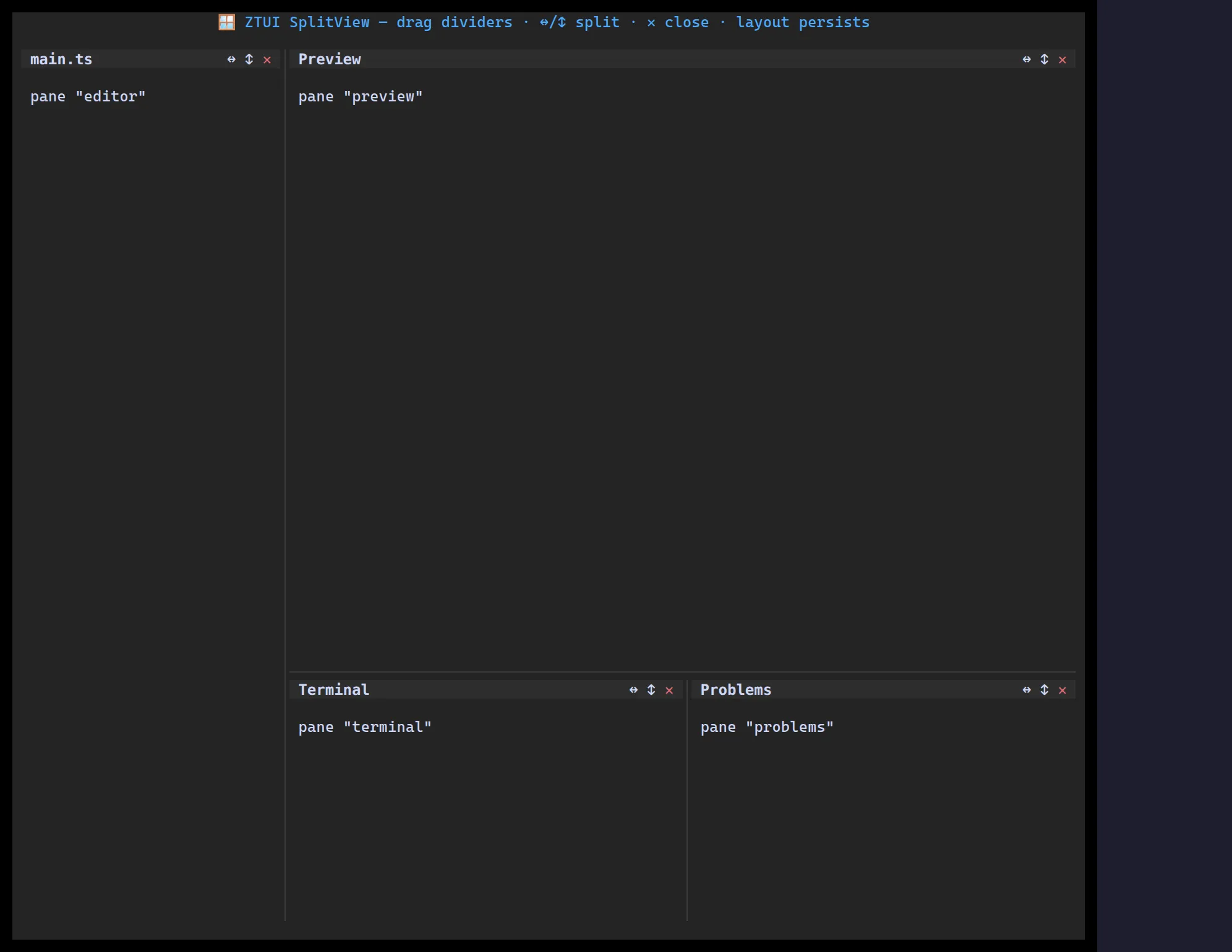
<SplitView> renders a tree of panes you can split horizontally or vertically
and resize with draggable splitters. The layout is a plain, serializable
SplitNode tree, so you can persist and restore it.
import { useState } from "react";import { Label, SplitView, type SplitNode } from "@huyz0/ztui/react";
function Panes() {  const [root, setRoot] = useState<SplitNode>({    type: "split",    direction: "horizontal",    children: [      { type: "leaf", id: "a", title: "Left", content: <Label>Left pane</Label> },      { type: "leaf", id: "b", title: "Right", content: <Label>Right pane</Label> },    ],  });  return <SplitView root={root} onChange={setRoot} />;}
Key props
Section titled “Key props”root— theSplitNodetree (leaf={ id, title?, content };split={ direction, children, sizes? }).onChange— fired with the new tree after a resize/split/close.controls/newPane— customize per-pane actions and how new panes are created.
Helpers like splitLeaf, closeLeaf, serializeSplit, and hydrateSplit make
mutating and persisting the tree easy.